

OE Manufacturing: Keep every build on track
BOMs don't hold still just because an order is confirmed. Pelico shows what each engineering change or configuration does to coverage and capacity, and what to do to protect delivery.
What changes with Pelico
Results from customer deployments:
On-time delivery
+15%
Clear-to-build
+16%
Material coverage
+29%
Go live
12 wks
Why the plan falls behind the BOM

Engineering changes quietly cascade
When a change order lands, can your buyers tell which parts and work orders it touches before a critical part runs late?
Coverage is worked out by hand
How many configured orders do your planners check for missing parts by hand each morning?
Work centers overload when the BOM moves
When an engineering change reroutes work, do your planners know about the extra load before it hits the floor?
CAPABILITIES
What Pelico gives program and production teams
The OE Manufacturing solution runs on Pelico's Manufacturing Orchestration Platform. Every build is part of a live map of dependencies.
Made for: Production Planners · Buyers · Production Leads · Program Directors · VPs of Operations
Live material coverage, all the way down the BOM
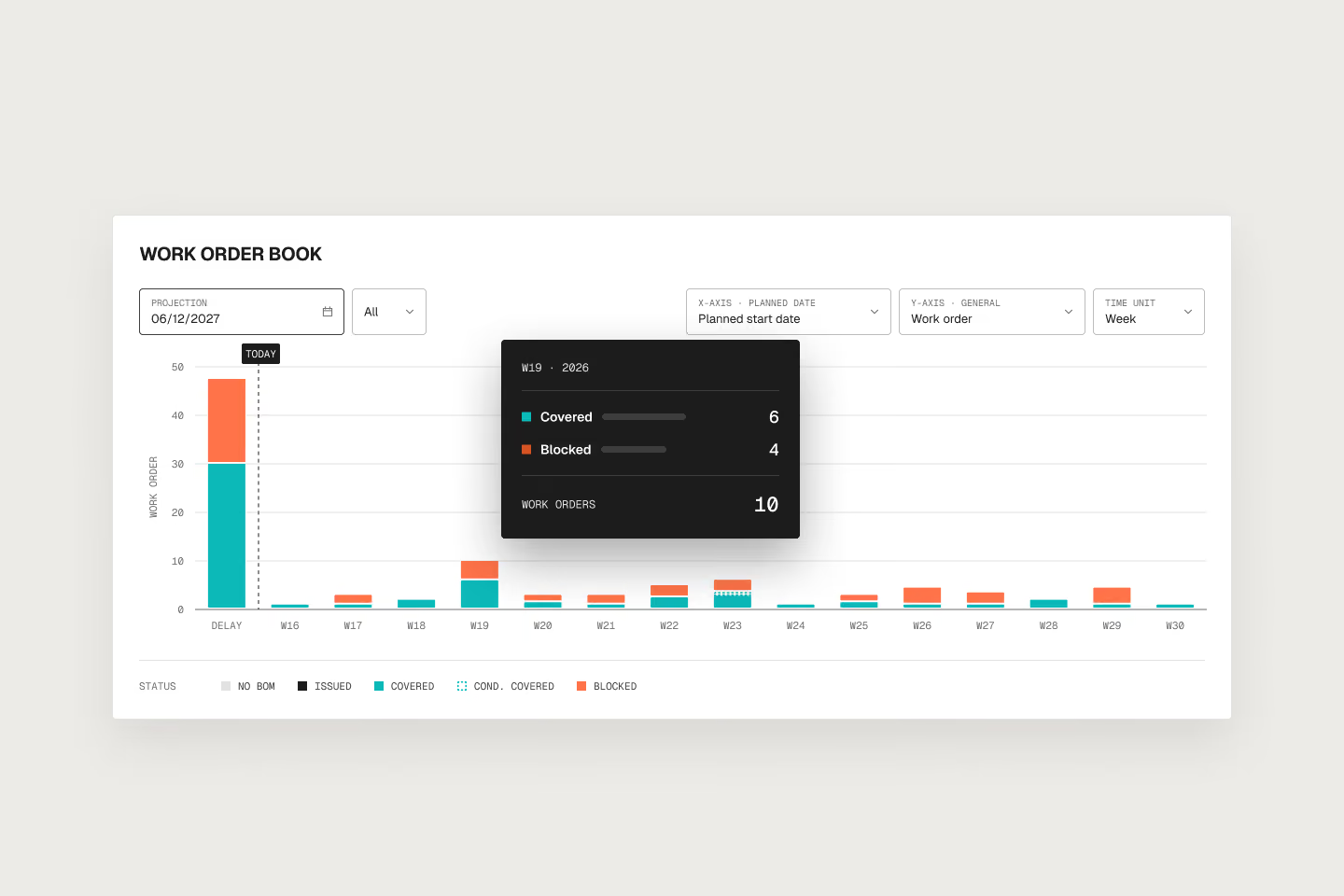
Coverage status, missing parts, and line of balance on as-engineered (ETO) or as-configured (CTO) BOMs. Coverage recalculates as reality changes, so shortages surface well before the kit gate.
Build and order tracking
Every purchase order, work order, and customer order in its BOM tree and Gantt view, with milestones and delivery dates. Deliveries at risk are flagged while the date can still be protected.
Capacity and shop deviation
Work-center load recalculates as engineering changes and configurations reshape the routing. Shop deviations get flagged before they cost the delivery date.
Root-cause analysis
Root-cause clustering across the program portfolio or the configuration catalog. Recurring causes get named and fixed before the next build.
AI built into the BOM
Pelico's AI agents trace how each engineering change cascades down the BOM and across lines, draft supplier follow-ups on the part shortages that matter most, and flag the unique part a configuration depends on.
FAQ
Trace each change down the multi-level BOM to the parts, work orders, and milestones it affects, before it reaches the floor. Then act on the ones that threaten a date: expedite, substitute, or resequence. In Pelico, coverage and work-center load recalculate as the BOM changes, so planners and buyers work from the BOM as it stands today.
Check each order against its own as-configured BOM, at every level, against parts on hand and on order. Done manually, that takes a full morning and is out of date by the afternoon. Pelico automatically calculates coverage for every customer order and flags the unique parts a single configuration depends on, along with the delivery dates they put at risk.
An ERP's ETO module records the engineering BOM, routings, and transactions. It doesn't recalculate coverage and capacity across every order when a change lands, or rank what to fix first. Pelico sits on top of the ERP, reads its data, and leaves the transactional records where they are.
PLM owns the engineering BOM and the change process. Manufacturing needs to know what each change means for parts, work orders, and capacity. Pelico reads the as-engineered or as-configured BOM from your upstream systems and traces its effect on the build. It doesn't replace PLM or manage the change workflow.
It can take the repetitive tracking off planners and buyers: following the BOM as engineering changes land, ranking supplier follow-up against live shortages, and finding the unique part that threatens a date or milestone. In Pelico, AI agents work from coverage calculated on your ERP and factory data, and planners approve each action before it goes out.
Plan them together, against the same material and capacity. Engineer-to-order work shifts with each engineering change, and configure-to-order work varies from one order to the next, but both draw on the same stock, suppliers, and work centers. Pelico applies the same coverage and capacity logic to both, so a part or work center they share is checked against every order that needs it.
Keep every build on track
Plans change. Pelico coordinates the recovery across engineering, buyers, and the factory floor on engineer-to-order programs and configure-to-order operations.

